The little things that make a big difference

Microsoft’s made another update to Windows 11, and while it’s a small one, it could make a big impact. We have all the details of what’s changing.

Microsoft's latest Windows 11 update has dropped, and it's got a small change that could make a big difference to you and your team. 


Microsoft has given Copilot, its handy AI assistant, a new place on the taskbar. No more hunting around for the button. Now it sits on the far right of the taskbar, in what we tech folks call the ‘system tray area’.


If Copilot isn't your thing, no worries. You can easily remove it from the taskbar altogether. But having an AI assistant at your fingertips can be a real boost for productivity, so we’d recommend you give it a chance before giving it the boot.


Before you rush to check if your Copilot button has relocated, let's talk details. 


First off, this update has been rolling out over the last few weeks. 


It’s known as Patch KB5034765 (catchy name) and isn't just about moving buttons around. It's also packed with important security and bug fixes, including a crucial one for Explorer.exe. This was causing some PCs to freeze up when restarting with a game controller attached. 


Probably not an issue in your business, but you never know…


There was also a problem with slow announcements from Narrator, the screen reading tool. That’s been fixed.


While this Windows 11 update may seem like small fry, it's these little tweaks that can really streamline your workflow and stop your team from being interrupted by problems while they work. 


Has your business switched over to Windows 11 yet? Our team can look at your setup and advise whether you’d benefit from upgrading, or you should stay on Windows 10.
Get in touch and ask us for a tech audit.

Robots in a row with text: “Could AI STOP attacks BEFORE THEY START?”
September 20, 2026
Microsoft's new MDASH platform uses 100+ AI agents to hunt security flaws before attackers do. Here's what it means for your business.
Red circular arrows beside text “The FAKE UPDATE fooling businesses” on a dark red digital background
August 20, 2026
A fake Windows 11 update mimics Microsoft's official site to install malware. Learn how to spot it and keep your updates secure.
Blue ad graphic with a padlock and the text, “AI can do many things, BUT this isn’t one of them.”
July 16, 2026
Think AI-generated passwords are secure? Learn why they may be more predictable than they appear and what to use instead for stronger account security.
July 1, 2026
Cybercriminals are constantly finding new ways to make phishing emails look legitimate, and one of the latest tactics is particularly convincing. Instead of spoofing Microsoft, attackers are using Microsoft Azure Monitor itself to deliver fraudulent alerts, making these emails much harder to spot. Azure Monitor is a legitimate Microsoft tool that businesses use to monitor cloud environments, track system performance, and receive notifications about account activity, billing, and potential issues. For organizations that rely on Microsoft Azure, receiving these alerts is completely normal—which is exactly why this scam is so effective. The fraudulent emails often claim there's a billing problem, suspicious account activity, or even a service suspension that requires immediate attention. They create a sense of urgency and typically instruct recipients to call a phone number or take immediate action to resolve the issue. What makes this attack different is that the email can actually originate from Microsoft's own systems. Rather than creating a fake sender address, attackers abuse Azure Monitor's alerting functionality by setting up legitimate alerts with customized messages. Since the emails are delivered through Microsoft's infrastructure, many email security filters recognize them as legitimate and allow them through. This isn't the first time cybercriminals have exploited trusted platforms. Similar scams have used services like PayPal and Google to distribute phishing messages. The strategy is simple: leverage a platform people already trust so recipients are less likely to question the email's authenticity. If you receive an Azure alert that seems unusual, don't let the urgency pressure you into acting immediately. Instead, open your web browser and sign in to your Azure account directly rather than clicking links in the email. Any legitimate billing issues or account notifications should also appear within your Azure portal. It's also important to be skeptical of emails that ask you to call an unfamiliar phone number or provide sensitive information. When in doubt, contact your IT provider or internal IT team before responding. Phishing attacks have become far more sophisticated than the poorly written emails of the past. Today's scams often use trusted services, polished language, and realistic branding to appear credible. As a result, technical security measures alone aren't enough—employee awareness remains one of the strongest defenses against cybercrime. Taking a few extra moments to verify an unexpected alert can prevent a costly security incident. If you're unsure whether your organization is prepared to recognize evolving phishing tactics like these, now is a good time to review your cybersecurity training and response procedures.
May 18, 2026
AI-powered phishing scams are becoming more convincing and harder to detect. Learn how modern phishing attacks are evolving and how businesses can stay protected.
Magnifying glass over a browser window with the text “Your browser sees everything.”
April 20, 2026
Learn how mobile browsers collect your data and simple steps your business can take to improve privacy and reduce security risks.
Microsoft Edge declares war on scam pop-ups; red jets fly against a yellow-orange background.
February 10, 2026
Microsoft Edge now uses AI to block scareware pop-ups before they can cause harm. Learn how the new feature protects users and businesses.
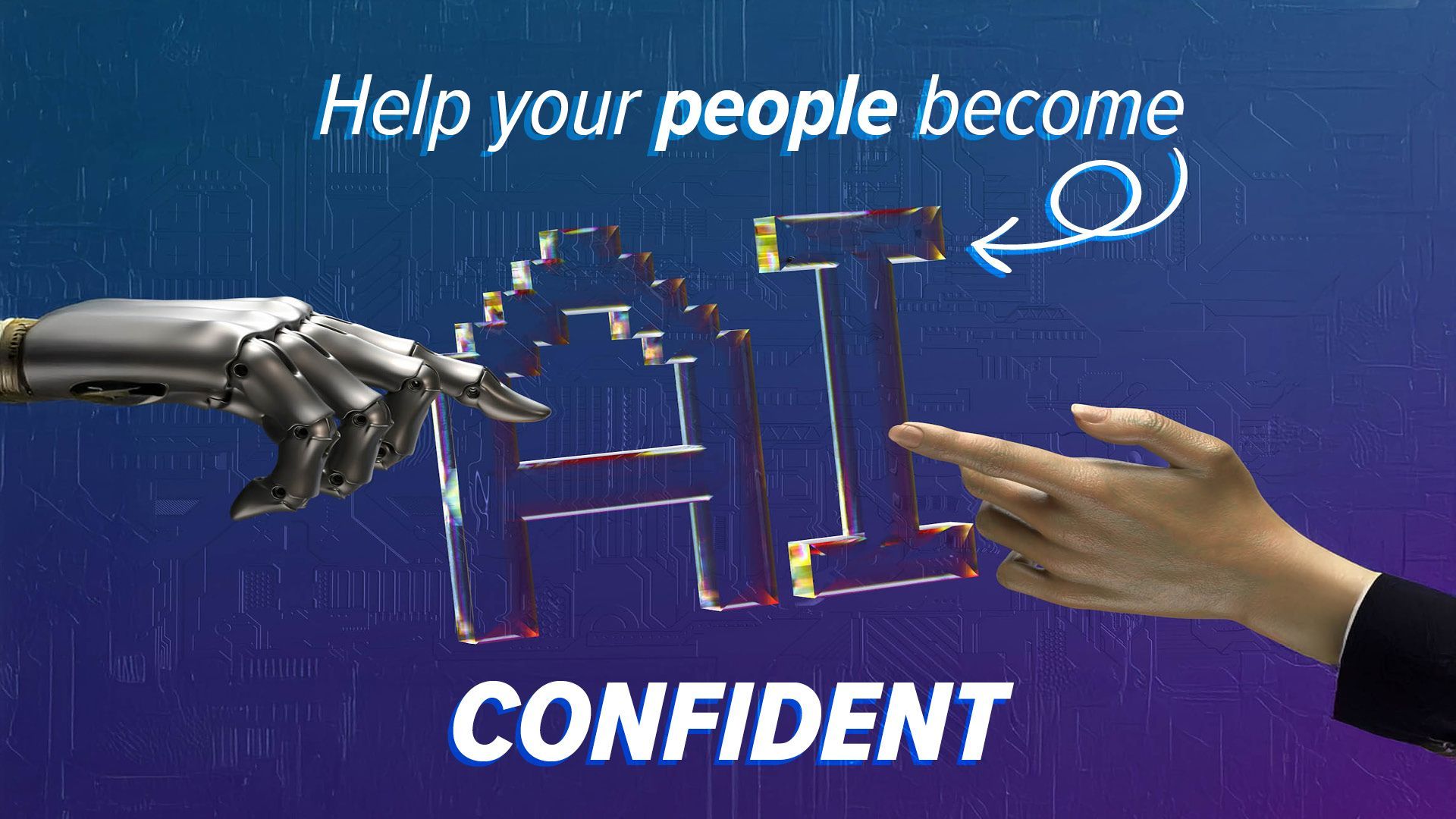
Robotic hand and human hand interact with glowing
January 16, 2026
Learn how to help your employees embrace AI at work. Build confidence with training, culture, and smart strategies for more productivity and creativity.
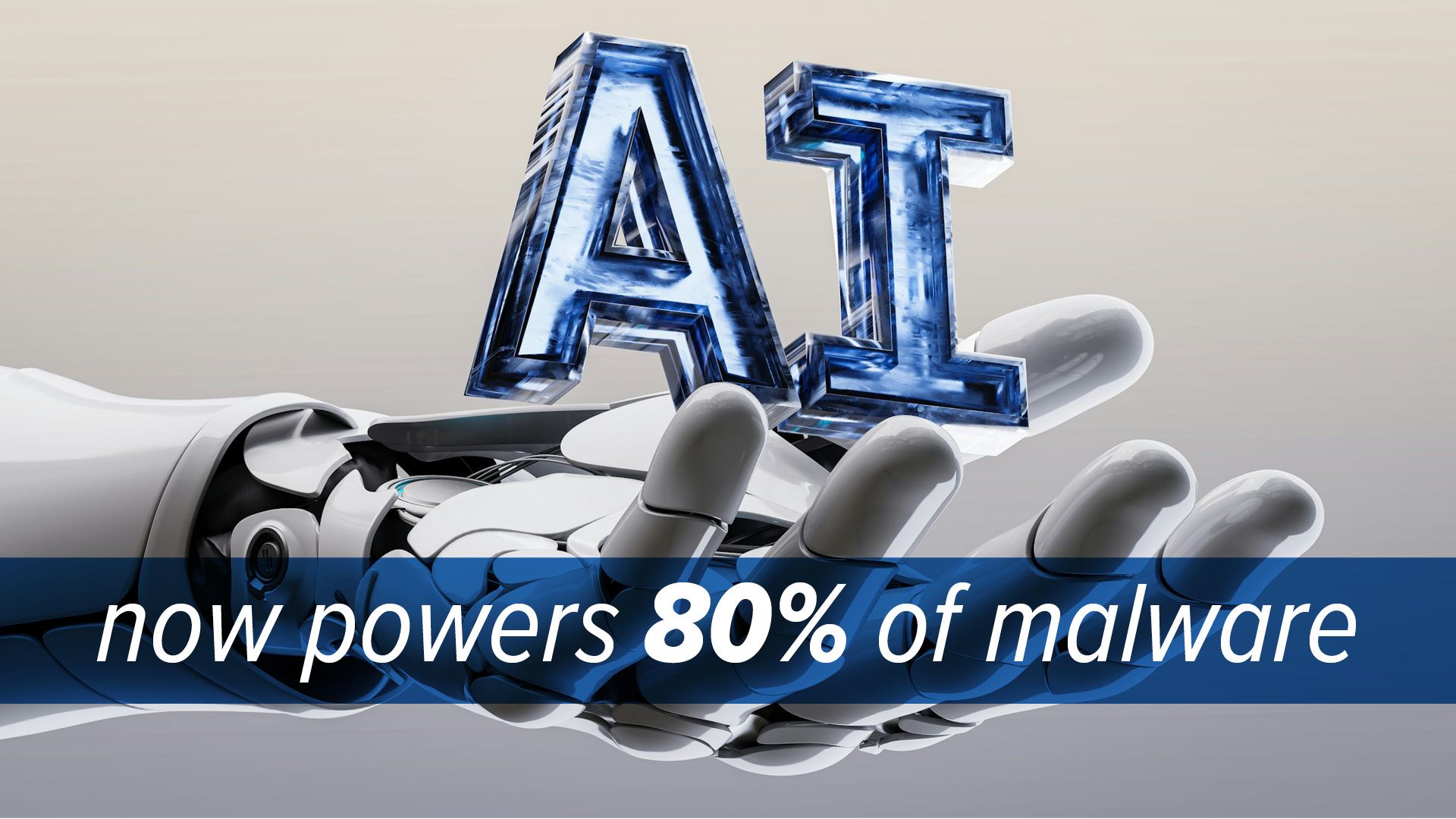
A robotic hand holding
December 20, 2025
AI now powers most cyberattacks, from ransomware to phishing. Learn why SMBs are at risk and how layered, AI-driven security can help protect your business.
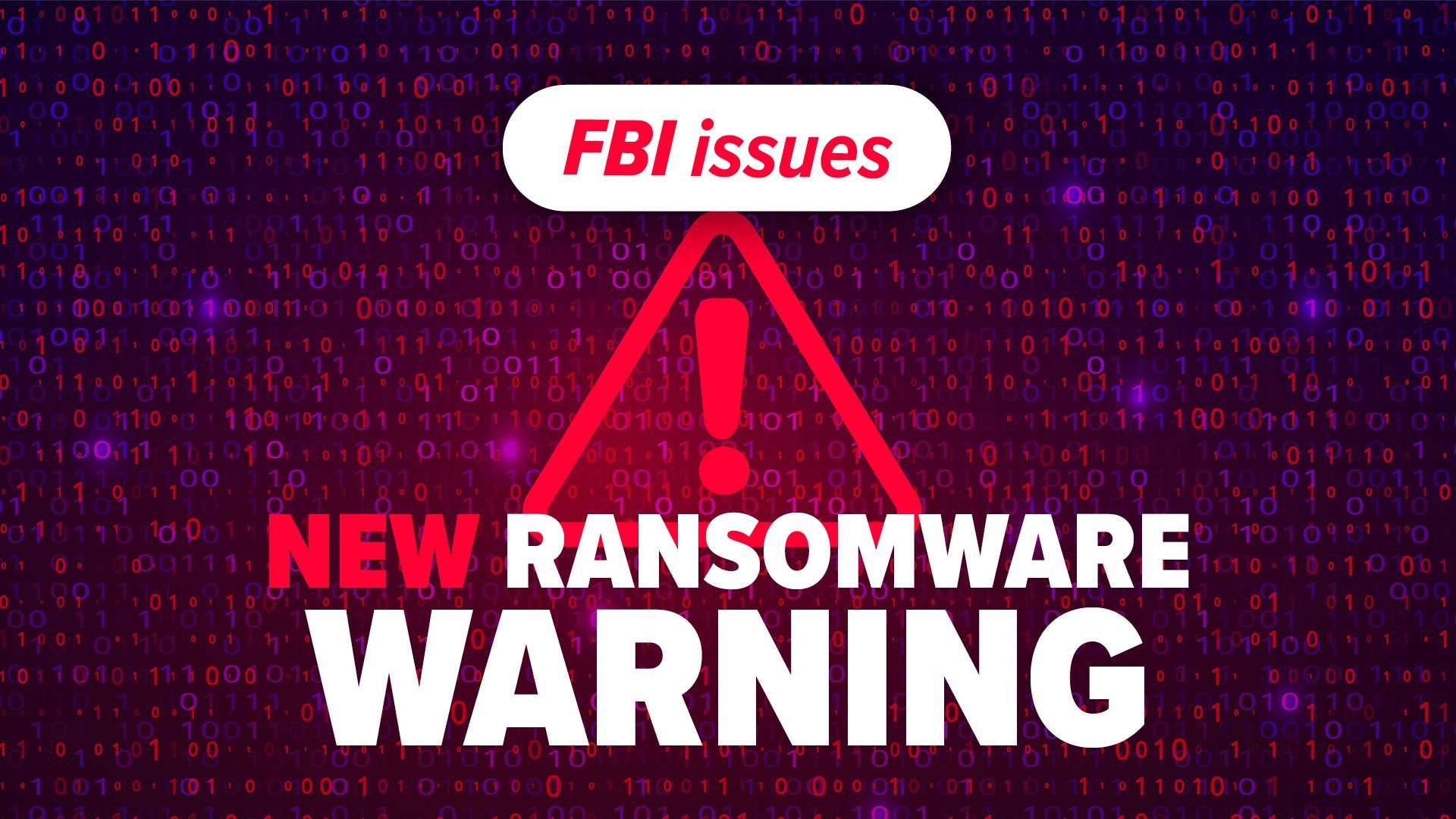
FBI warning about new ransomware threat. Red triangle with exclamation point on binary code background.
November 20, 2025
Learn how Interlock ransomware targets businesses and discover essential steps to protect your systems, data, and operations from attack.