Never Use Your Browser’s Password Manager
Never Use Your Browser’s Password Manager

Microsoft is always introducing new features and services to keep your employees safe online, and your data secure. Nonetheless, Microsoft’s core products are operating systems. They’re not a computer security company.


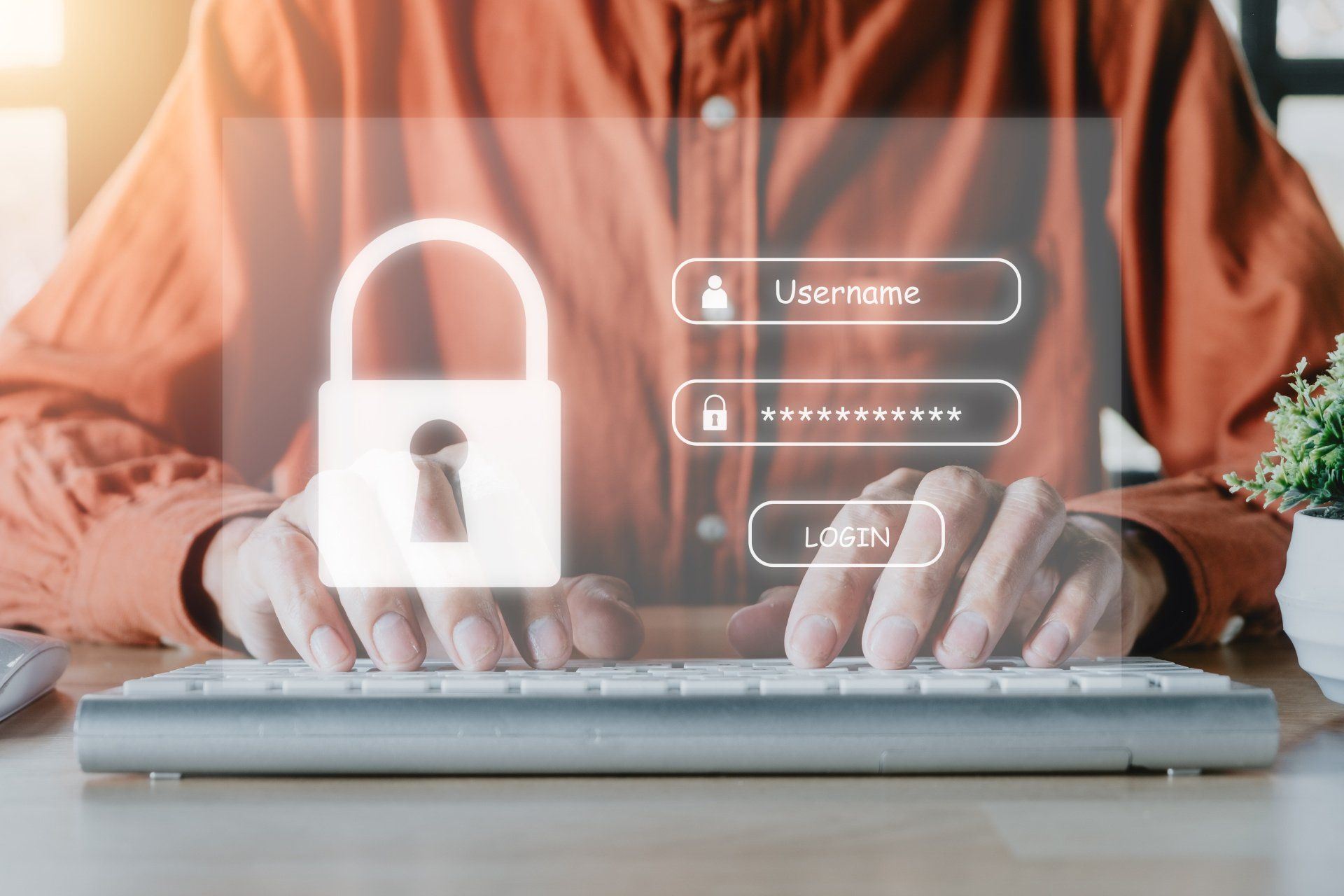
As a business owner or manager, you should already know that weak or reused passwords are one of the biggest risks to a company’s data security.


A new update coming soon to Microsoft Edge will give you access to a new and improved password management feature. This will allow you to store all your passwords within your browser automatically, giving you a cost-effective way to avoid password-based cyber attacks.


Although this new feature is more secure than using the same login details across multiple applications, West Coast IT’s advice would be to avoid browser-based password managers in your business.


Why?


Browser-based password managers are not flexible enough, and don’t give enough control to you, the boss – especially when a staff member leaves.


When you use a dedicated password manager, you can remove someone’s access to all their applications with the push of a button. You can also access their login details after they depart if needed.


You still benefit from secure encryption, but it also works across all devices, including different browsers.


A separate password manager is also a lot more secure, which is really important when you have multiple people using your applications, each with their own login details.


And as a bonus, your password manager will generate strong random passwords for you, remember each one when logging in, and auto complete login boxes. That means you’ll have even better protection from brute force attacks, where cyber criminals try to guess your passwords.


If you don’t already use a password manager in your business, it’s time you did. It’s an extra layer of data security that you shouldn’t do business without. Luckily, our MSP services can be adapted to your company’s unique security needs.


Oceanside Computer Help


There are lots of password managers out there, and you have enough to worry about when running your business. As the IT support Carlsbad trusts, we recommend our Managed Defender subscription service. Our team will keep your computer safe and give you access to support whenever you need it. Without Managed Defender, your next browser search could be “ransomware removal near me”.


Monitoring the many viruses can be nonstop work, so leave it to us, and avoid the panic when your computers get hacked. Protecting your network is more than one thing and it's constantly changing. Stay updated with the Managed Defender: a multi-level strategic, dynamic package designed to protect you on several fronts from whatever is out there.


It’s hard for a small business to recover from a cyber attack. We'll protect your network against ransomware, viruses, malware and data breaches. To request a consultation, reach out to West Coast IT Group today.
Learn More About Managed Defender
Robots in a row with text: “Could AI STOP attacks BEFORE THEY START?”
September 20, 2026
Microsoft's new MDASH platform uses 100+ AI agents to hunt security flaws before attackers do. Here's what it means for your business.
Red circular arrows beside text “The FAKE UPDATE fooling businesses” on a dark red digital background
August 20, 2026
A fake Windows 11 update mimics Microsoft's official site to install malware. Learn how to spot it and keep your updates secure.
Blue ad graphic with a padlock and the text, “AI can do many things, BUT this isn’t one of them.”
July 16, 2026
Think AI-generated passwords are secure? Learn why they may be more predictable than they appear and what to use instead for stronger account security.
July 1, 2026
Cybercriminals are constantly finding new ways to make phishing emails look legitimate, and one of the latest tactics is particularly convincing. Instead of spoofing Microsoft, attackers are using Microsoft Azure Monitor itself to deliver fraudulent alerts, making these emails much harder to spot. Azure Monitor is a legitimate Microsoft tool that businesses use to monitor cloud environments, track system performance, and receive notifications about account activity, billing, and potential issues. For organizations that rely on Microsoft Azure, receiving these alerts is completely normal—which is exactly why this scam is so effective. The fraudulent emails often claim there's a billing problem, suspicious account activity, or even a service suspension that requires immediate attention. They create a sense of urgency and typically instruct recipients to call a phone number or take immediate action to resolve the issue. What makes this attack different is that the email can actually originate from Microsoft's own systems. Rather than creating a fake sender address, attackers abuse Azure Monitor's alerting functionality by setting up legitimate alerts with customized messages. Since the emails are delivered through Microsoft's infrastructure, many email security filters recognize them as legitimate and allow them through. This isn't the first time cybercriminals have exploited trusted platforms. Similar scams have used services like PayPal and Google to distribute phishing messages. The strategy is simple: leverage a platform people already trust so recipients are less likely to question the email's authenticity. If you receive an Azure alert that seems unusual, don't let the urgency pressure you into acting immediately. Instead, open your web browser and sign in to your Azure account directly rather than clicking links in the email. Any legitimate billing issues or account notifications should also appear within your Azure portal. It's also important to be skeptical of emails that ask you to call an unfamiliar phone number or provide sensitive information. When in doubt, contact your IT provider or internal IT team before responding. Phishing attacks have become far more sophisticated than the poorly written emails of the past. Today's scams often use trusted services, polished language, and realistic branding to appear credible. As a result, technical security measures alone aren't enough—employee awareness remains one of the strongest defenses against cybercrime. Taking a few extra moments to verify an unexpected alert can prevent a costly security incident. If you're unsure whether your organization is prepared to recognize evolving phishing tactics like these, now is a good time to review your cybersecurity training and response procedures.
May 18, 2026
AI-powered phishing scams are becoming more convincing and harder to detect. Learn how modern phishing attacks are evolving and how businesses can stay protected.
Magnifying glass over a browser window with the text “Your browser sees everything.”
April 20, 2026
Learn how mobile browsers collect your data and simple steps your business can take to improve privacy and reduce security risks.
Microsoft Edge declares war on scam pop-ups; red jets fly against a yellow-orange background.
February 10, 2026
Microsoft Edge now uses AI to block scareware pop-ups before they can cause harm. Learn how the new feature protects users and businesses.
Robotic hand and human hand interact with glowing
January 16, 2026
Learn how to help your employees embrace AI at work. Build confidence with training, culture, and smart strategies for more productivity and creativity.
A robotic hand holding
December 20, 2025
AI now powers most cyberattacks, from ransomware to phishing. Learn why SMBs are at risk and how layered, AI-driven security can help protect your business.
FBI warning about new ransomware threat. Red triangle with exclamation point on binary code background.
November 20, 2025
Learn how Interlock ransomware targets businesses and discover essential steps to protect your systems, data, and operations from attack.